Black Box IPTV: Setup, Compatibility and Safety Checklist
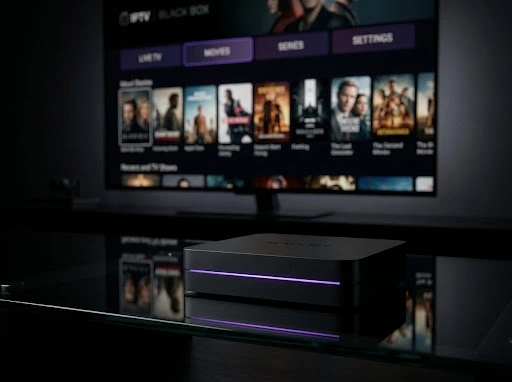
Black Box IPTV is a search term that may refer to a particular product or service. Before following setup instructions, identify the exact device, app or provider so that you do not apply instructions for a different product.
Identify the product
Check the product label, app publisher and official documentation. Be cautious of pages that use a familiar name but provide no company details or support information.
Check compatibility before setup
If your setup uses a Fire TV device, our Fire TV Stick IPTV guide may also help with general compatibility checks.
- Confirm the device model and operating-system version.
- Review supported apps and media formats in the official documentation.
- Install software from a trusted source and apply updates.
- Check the network connection before troubleshooting playback.
Playlist and content considerations
Some players require users to supply their own playlist or account. A player does not necessarily include a content subscription, and using it does not grant rights to copyrighted streams. Only use content you are authorized to access.
Subscriptions and support
Read the total cost, renewal, cancellation and refund terms before paying. Save the receipt and use verified support channels if activation or playback fails.
Conclusion
Start with product verification and official instructions. Safe installation, transparent terms, compatible hardware and authorized streams help avoid common problems.